SEO (Search Engine Optimization) is not only about keywords and developers also play a big part of it. Indeed, it’s a set of techniques, combined together that helps your website to be found by search engines. Performances, Accessibility and Best Practices are often omitted even though they are part of the main metrics that goes along with SEO.
Several search engines exist such as Google, Bing, Baidu, DuckDuckGo to only list a few of them. Since Google is number one in the market, it is also the best one to explain about it: Search Engine Optimization (SEO) Starter Guide. This guide is really complete and full of information but nobody wants to waste time to read everything.
Fortunately, Google provides a set of online tools to audit your website:
Page Speed Insights
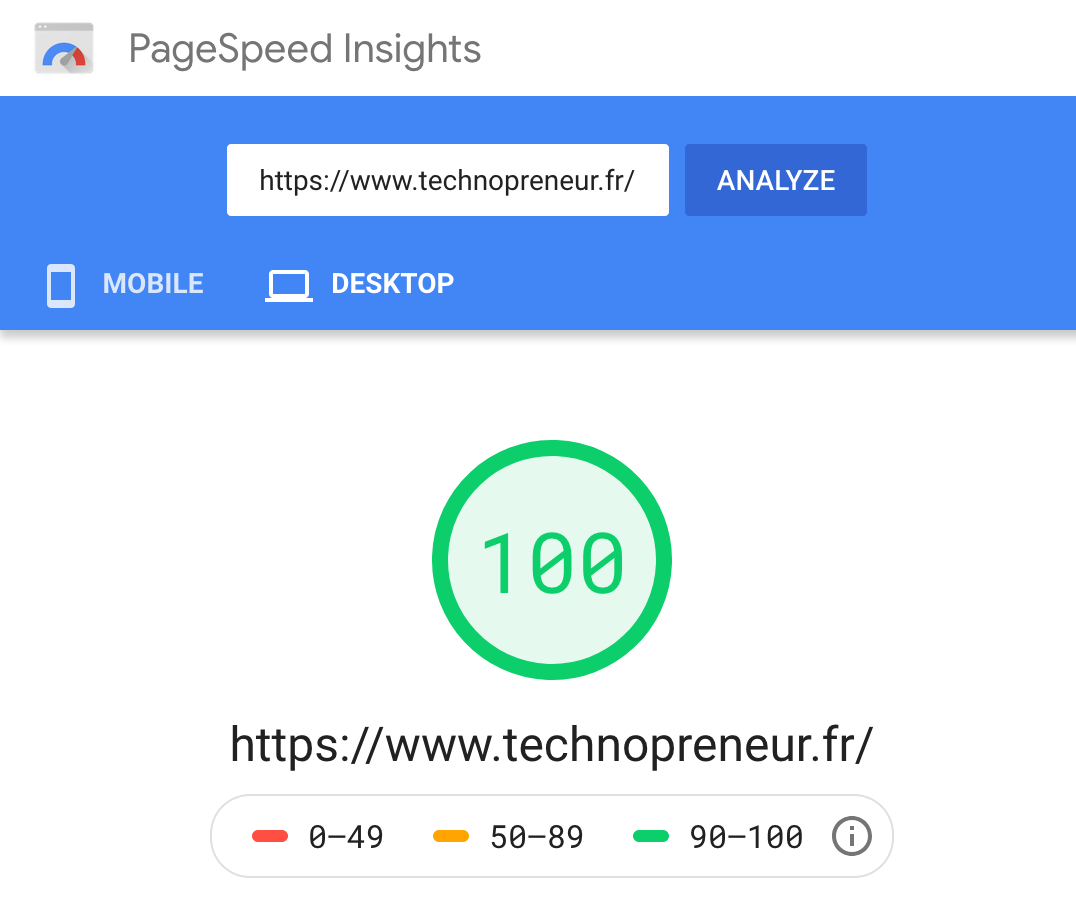
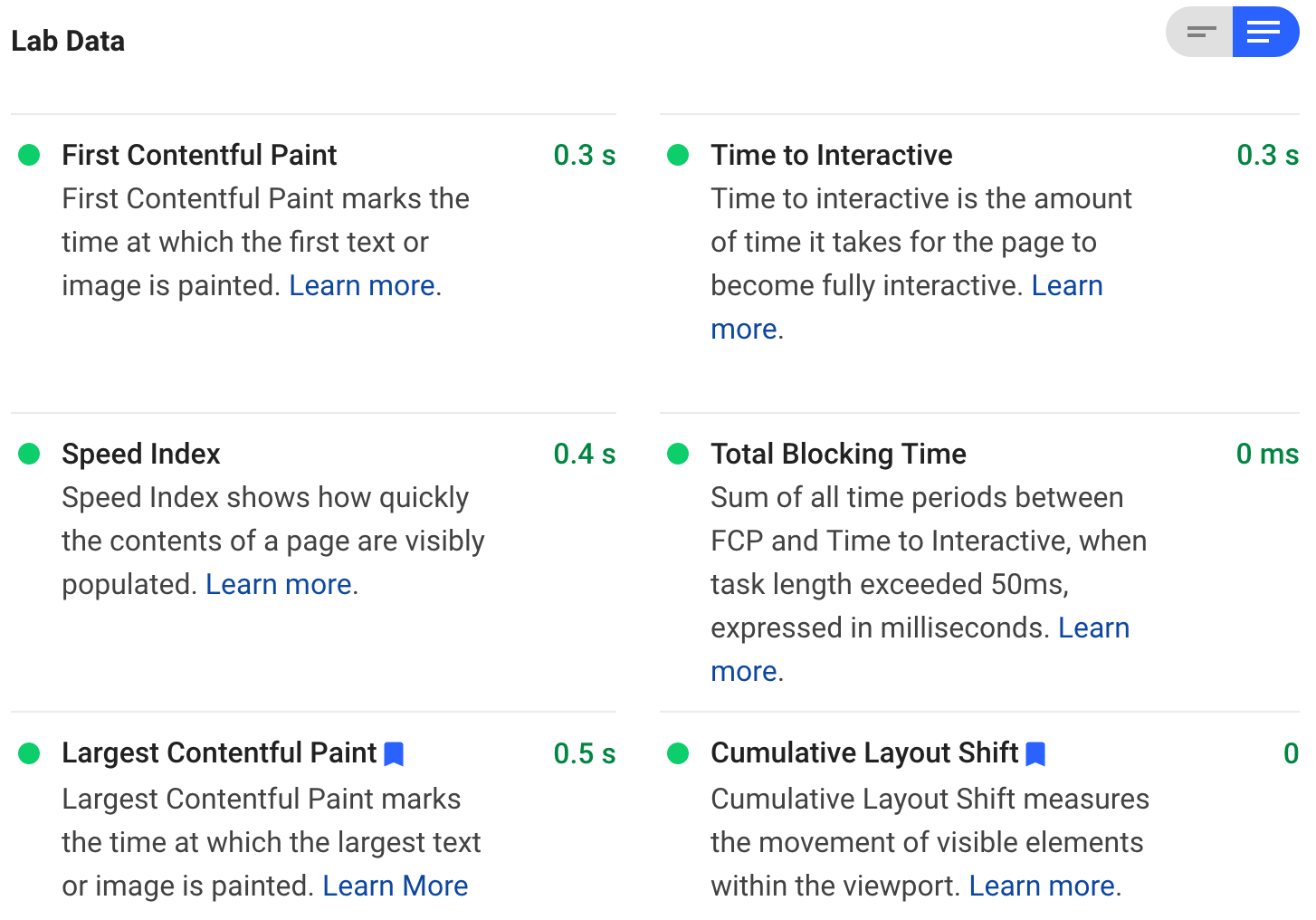
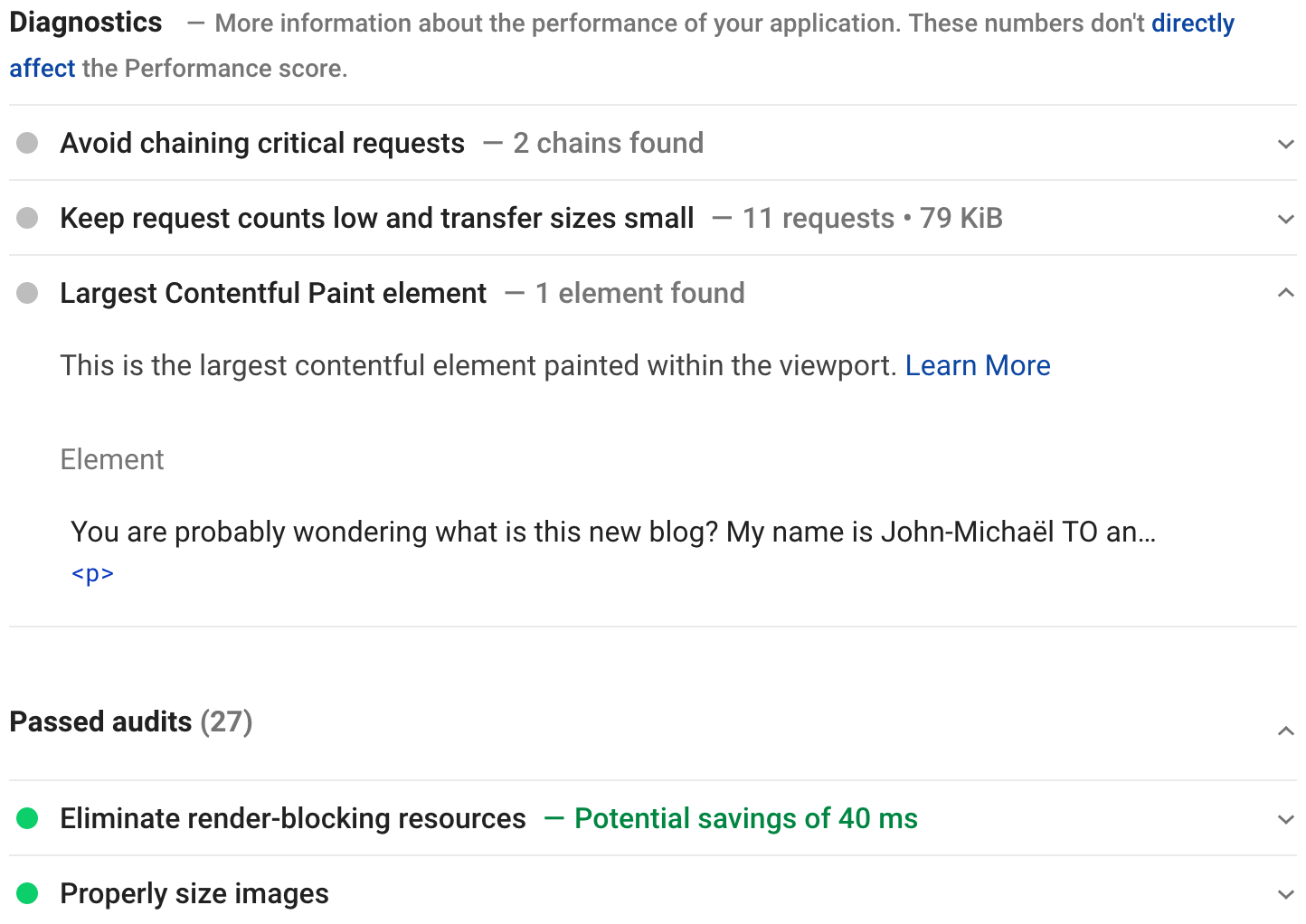
You don’t want to surf on a slow website because it’s a total waste of time and it makes you frustrated. The loading speed is important for having a good user experience. Page Speed Insights will analyzes the content of your web page and give you suggestions to improve it.
Web.dev
Web.dev is also a similar tool that gives you even more metrics and suggestions split into four categories: Performances, Accessibility, Best Practices and SEO.
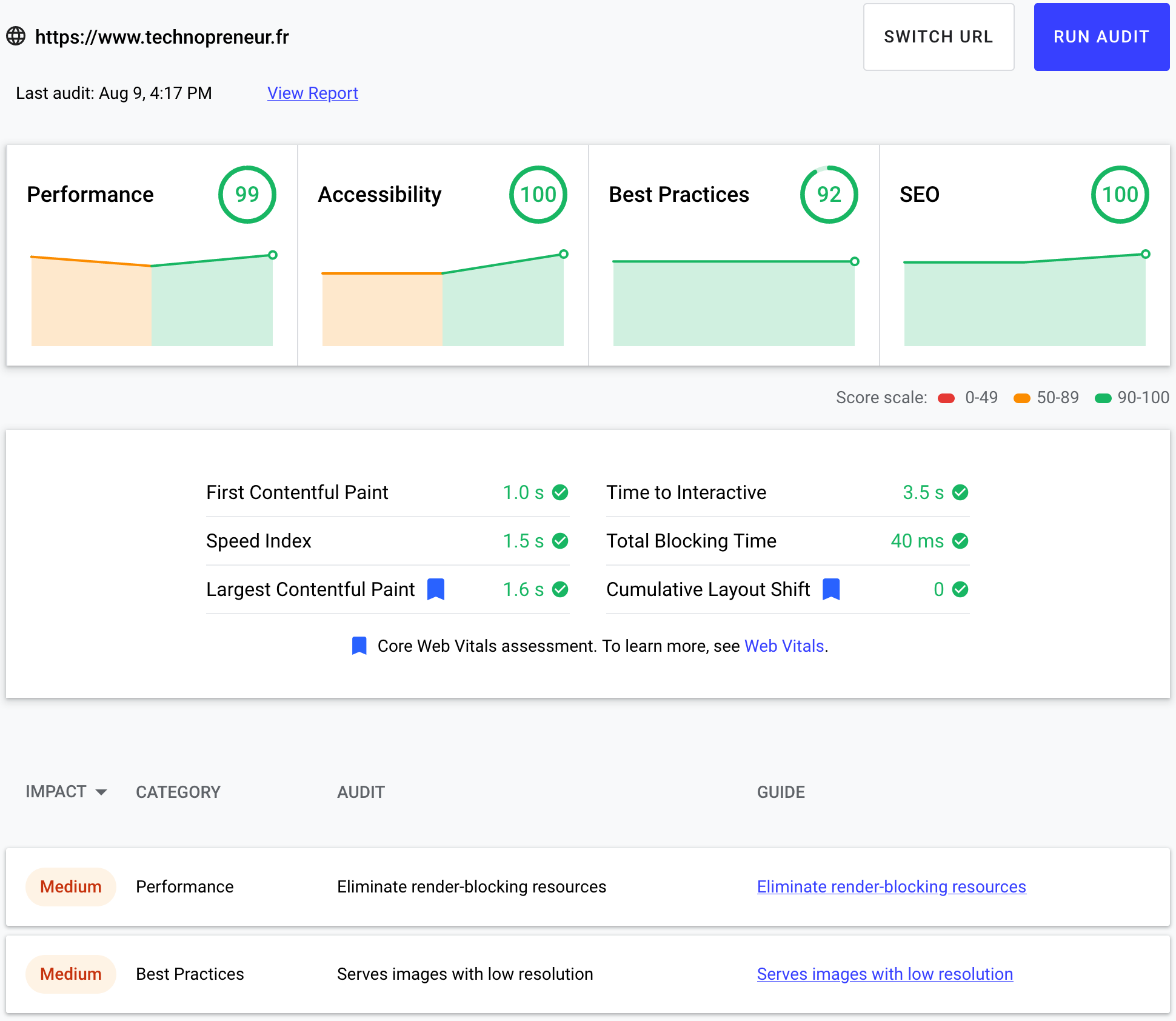
When clicking on View Report, you have access to a full audit report about your website.
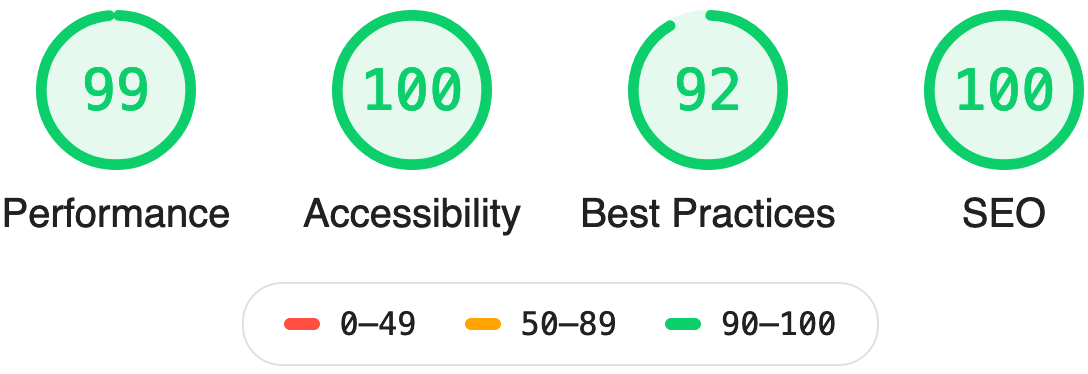
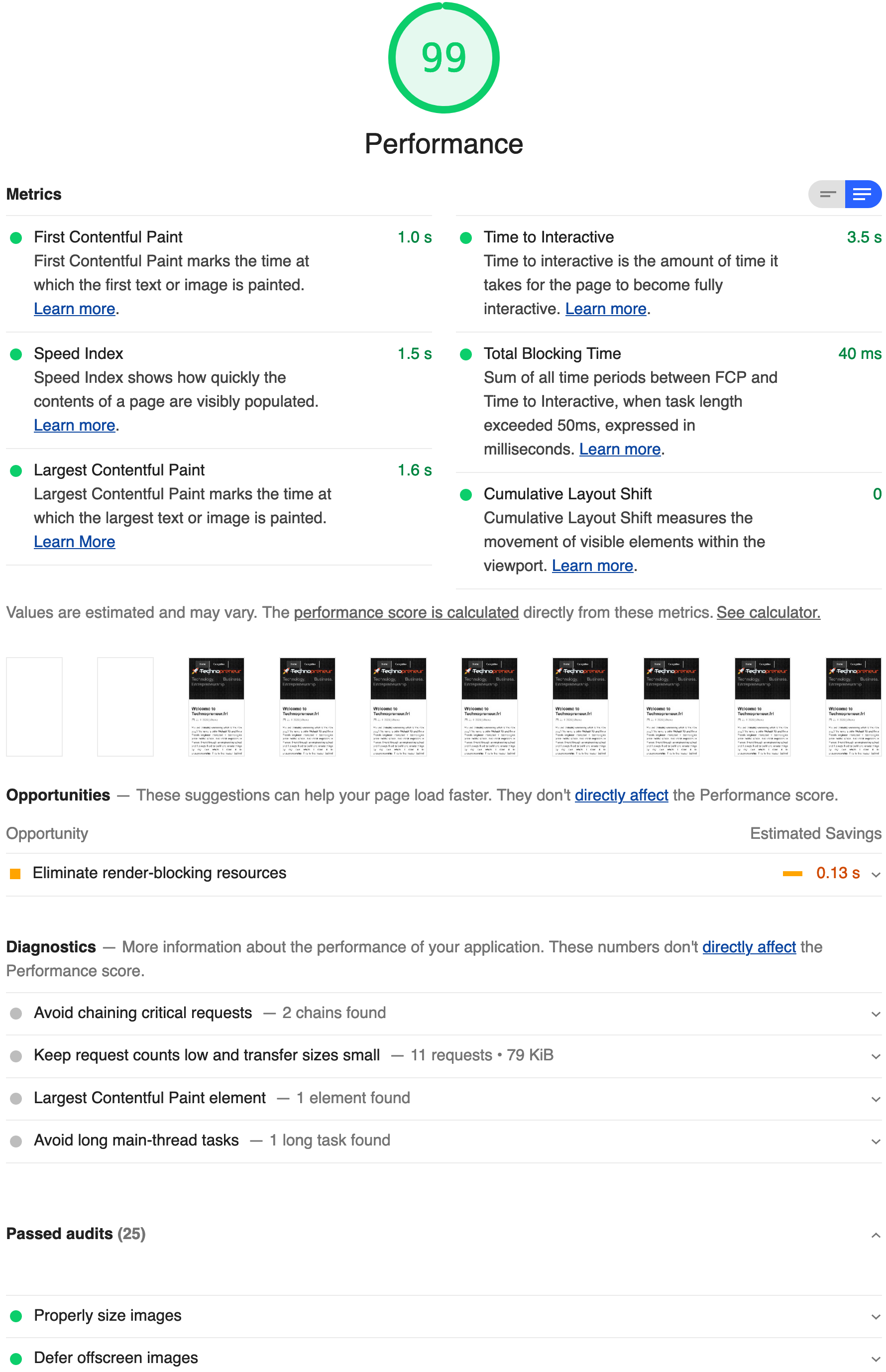
Performance
The category Performance is exactly the same report as the one seen previously in Page Speed Insights.
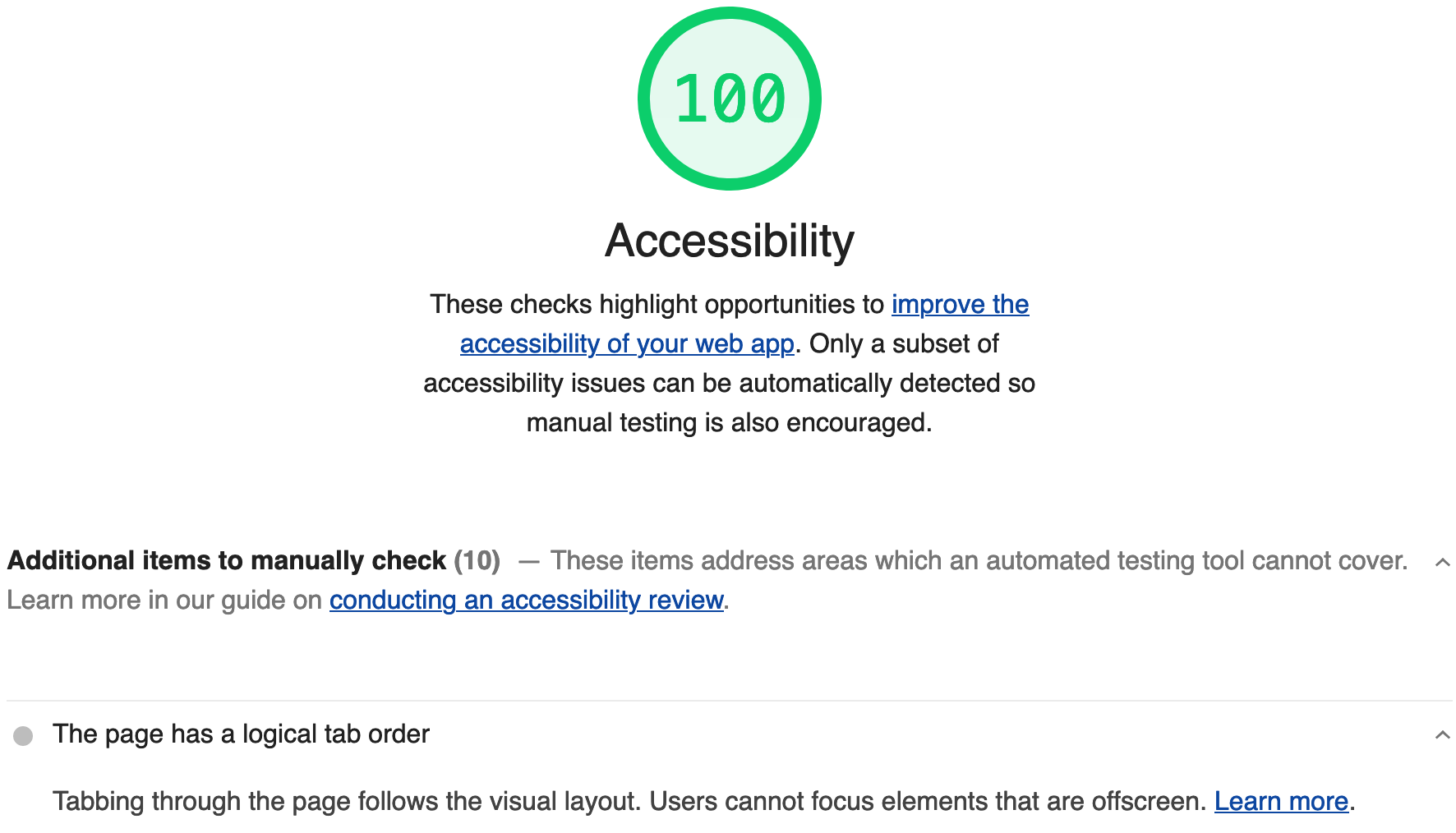
Accessibility
The category Accessibility focuses on the user experience for everyone, including people with disabilities. Learn more about accessibility.
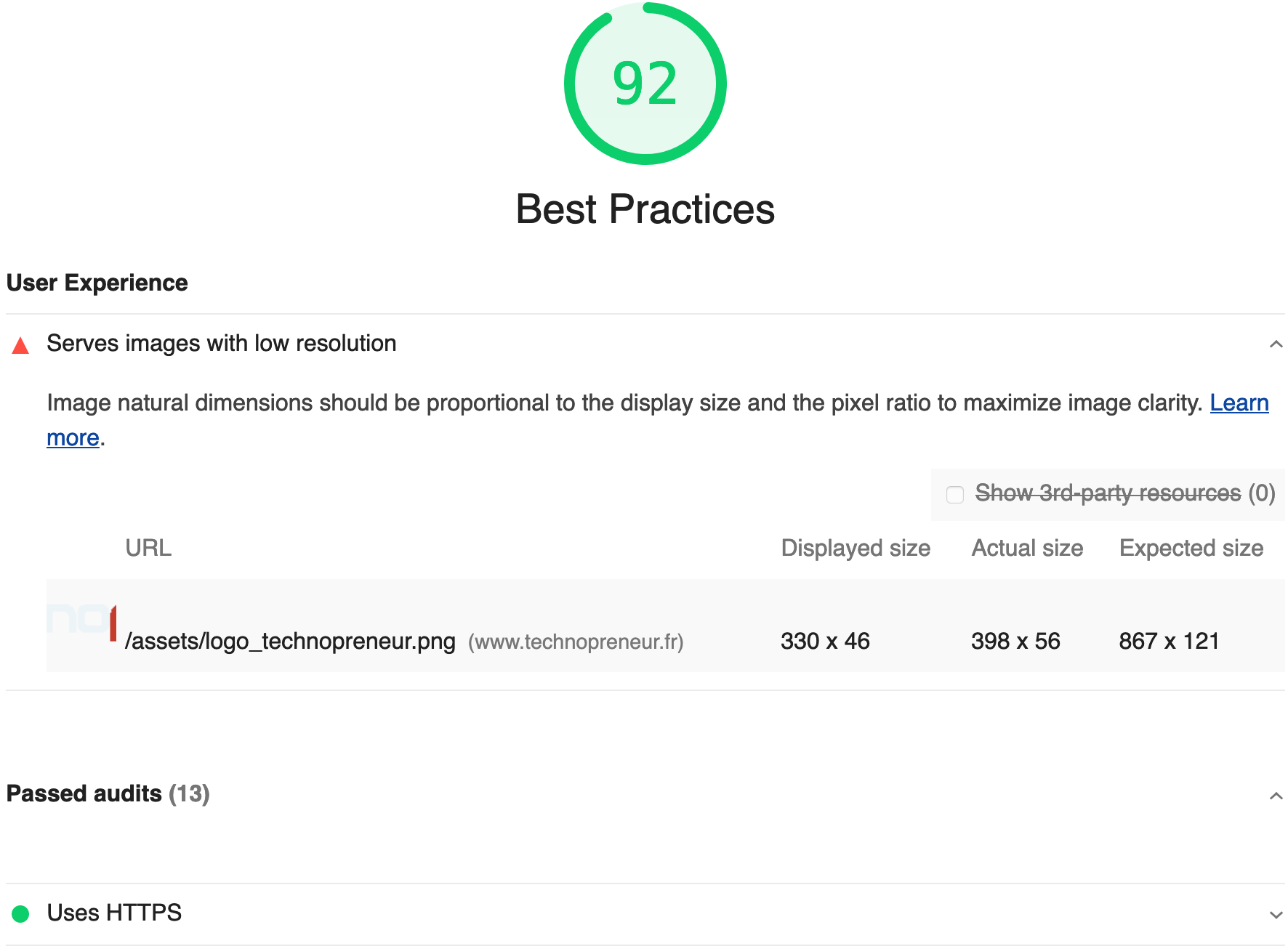
Best Practices
The category Best Practices is more about some conventions and standards such as using HTTPS.
SEO
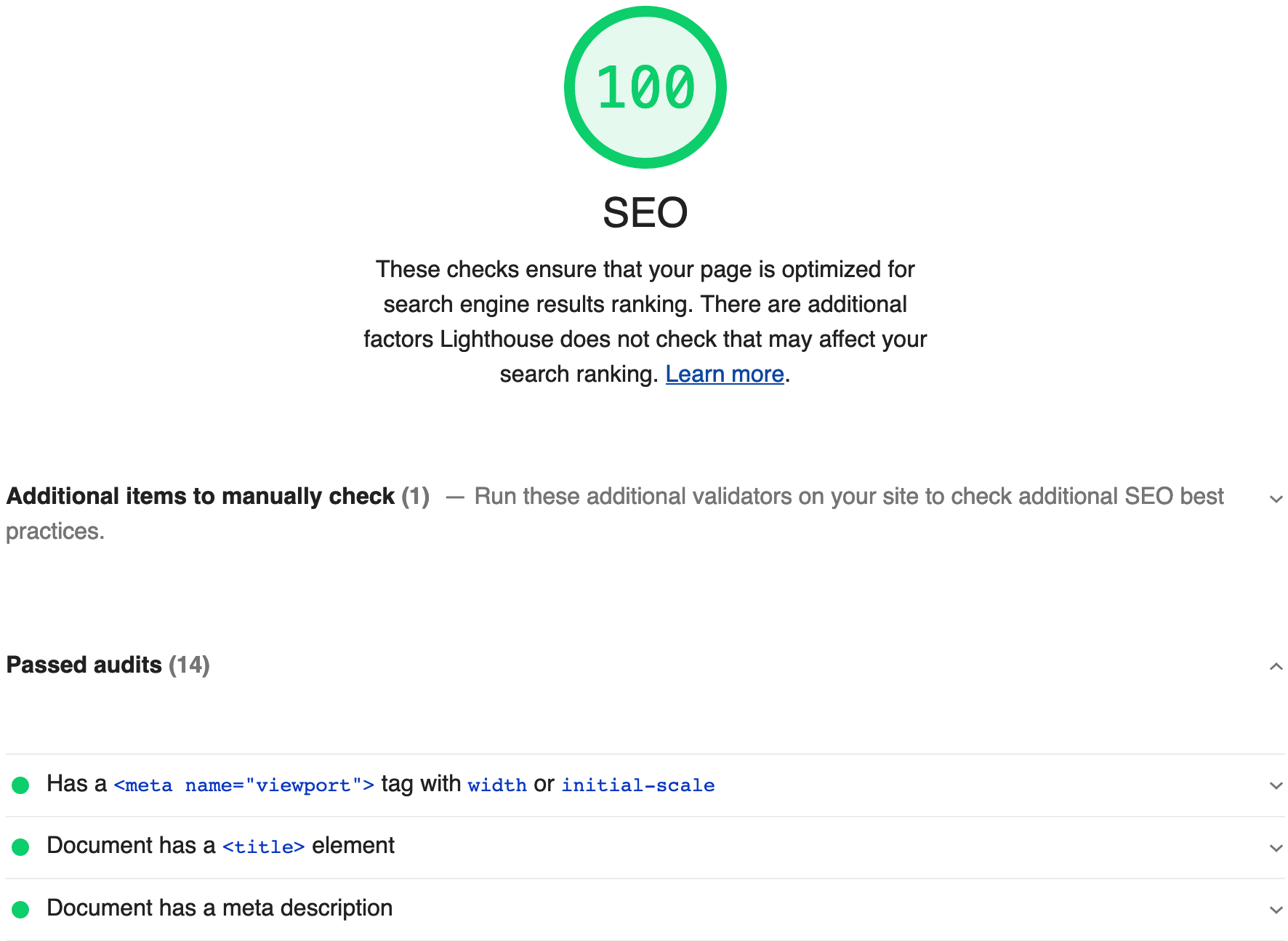
The category SEO is about the meta data and data of your website to ensure that search engines can crawl it effectively.
Google Lighthouse
You have probably noticed the word Lighthouse mentioned previously in one of the screenshots. Actually, Page Speed Insights and web.dev are both getting their data from Lighthouse, which is an open-source and automated tool for improving the quality of web pages.
Lighthouse can be used in many ways such as:
- In Chrome DevTools to generate a report directly within Google Chrome browser
- From command line or as a Node.js module to automate it to have a good continuous integration/deployment report
- From a web UI as we have seen previously with Web.dev
We will focus on the Chrome DevTools since it’s the easiest option to check your ongoing updates to increase your metrics.
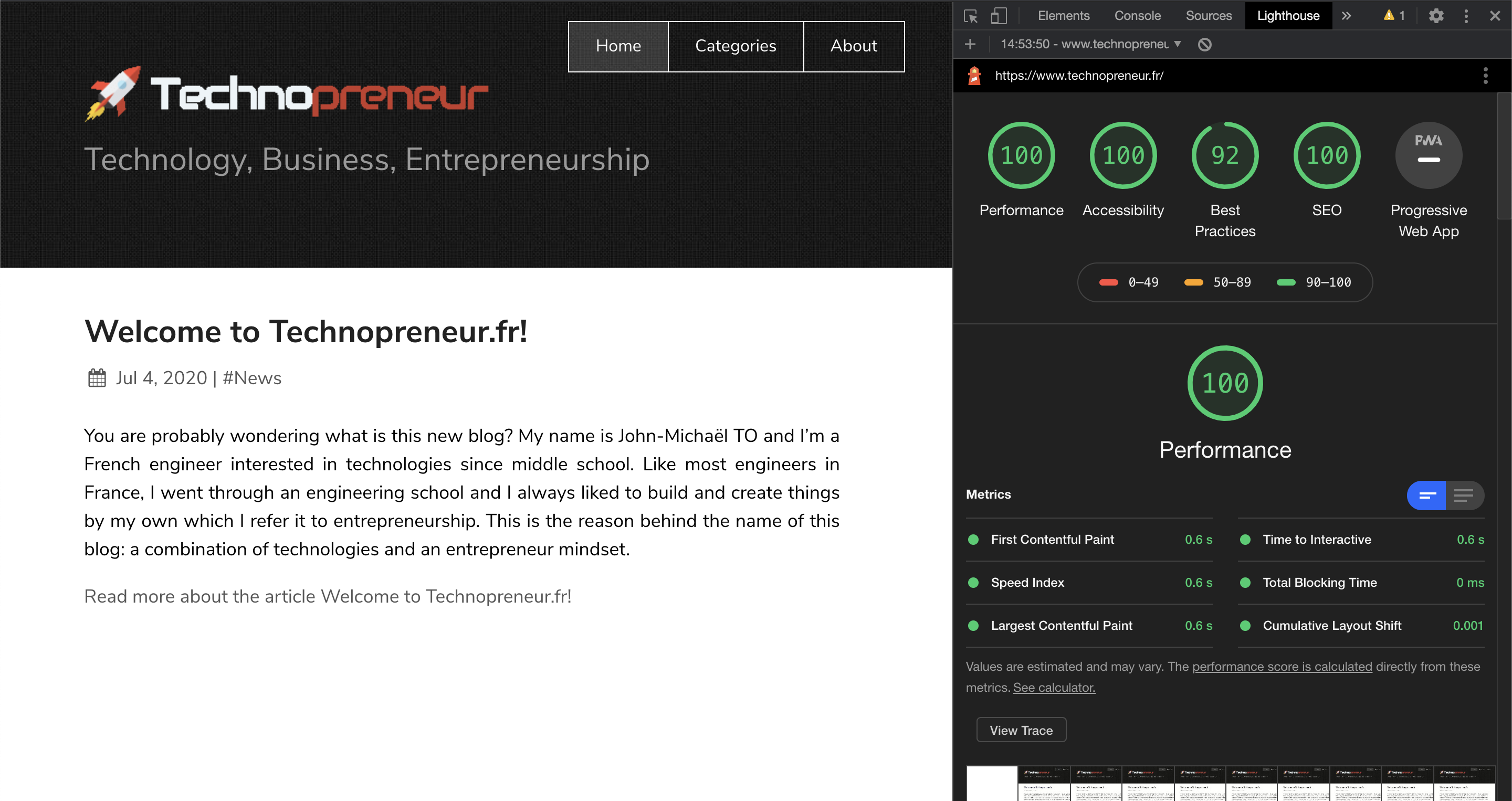
The good thing is that you can do your modifications in your localhost environment and generate a new report locally in real-time. This saves a lot of time and avoid pushing your code into production before all the metrics fit your needs.
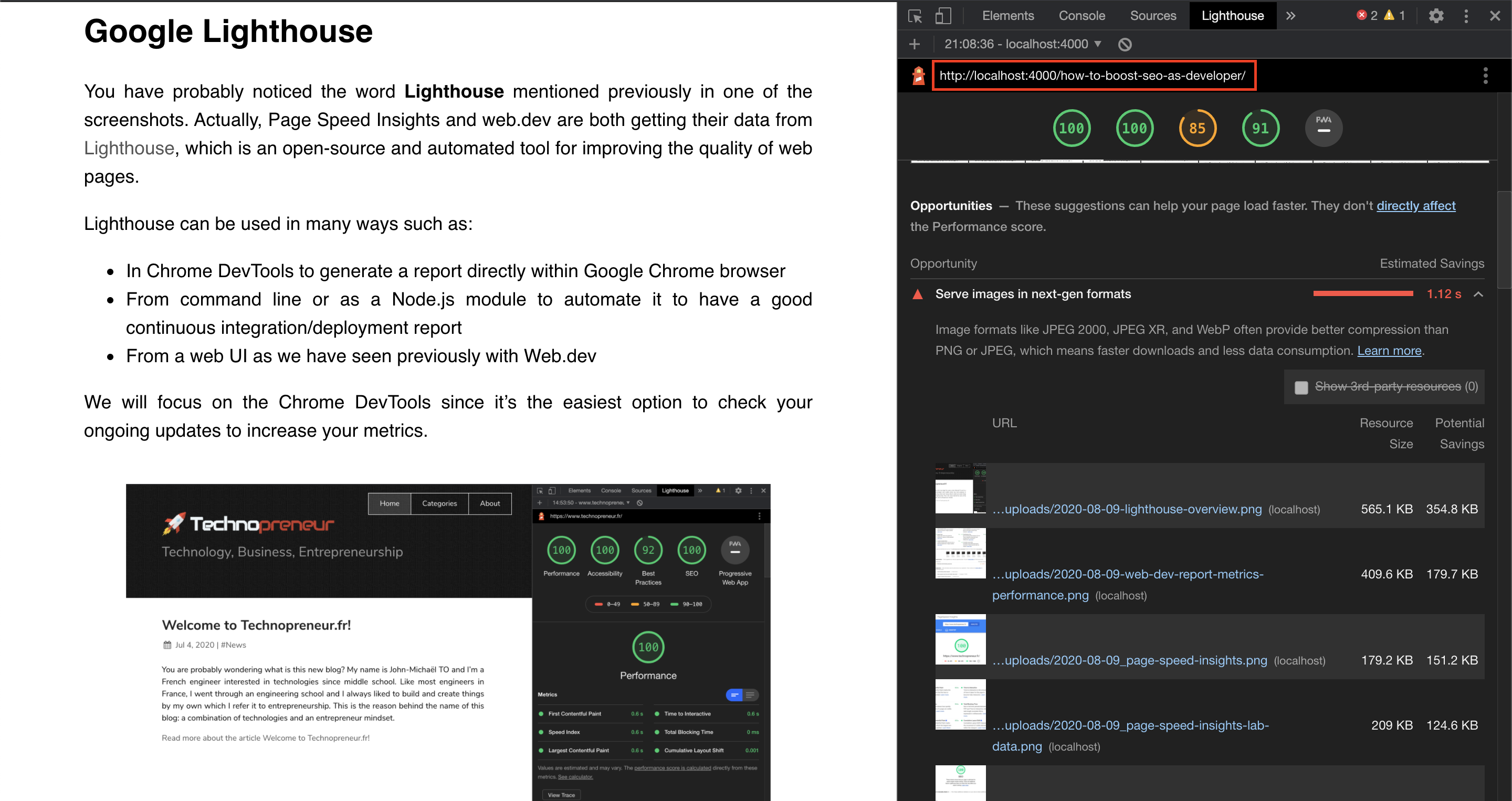
You can notice that some categories such as Best Practices or SEO are not as good as the real website in production. The reason is that your local development environment might be different from the production environment such as not having HTTPS for example and so on… The best way to have the same metrics between both is to have an exact copy of the production environment.
Google Search Console
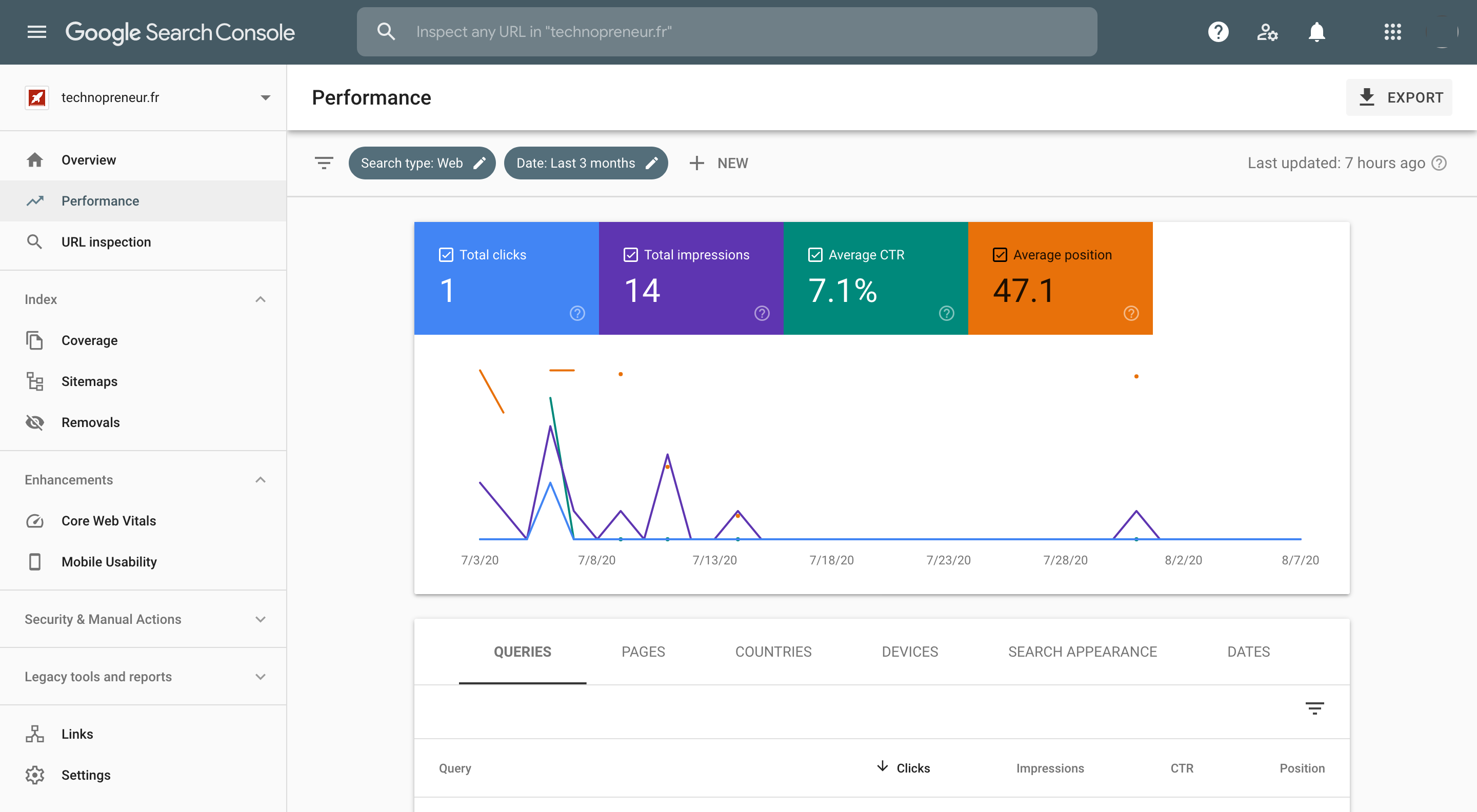
In addition to improving performances, Google Search Console is a free tools to help you measure your website’s search traffic and performance. It also help you to fix issues to allow your website to be indexed in Google search engine.
Since I’ve just started this blog, I don’t have much statistics yet but here is a screenshot of the Google Search Console.
A lot of websites are using the well-known Google meta-tag verification:
<meta name="google-site-verification" content="XXXXXXXXXXX" />However, if you have access to the DNS zones of your domain, I would recommend you to chose Domain as property type to verify your website.
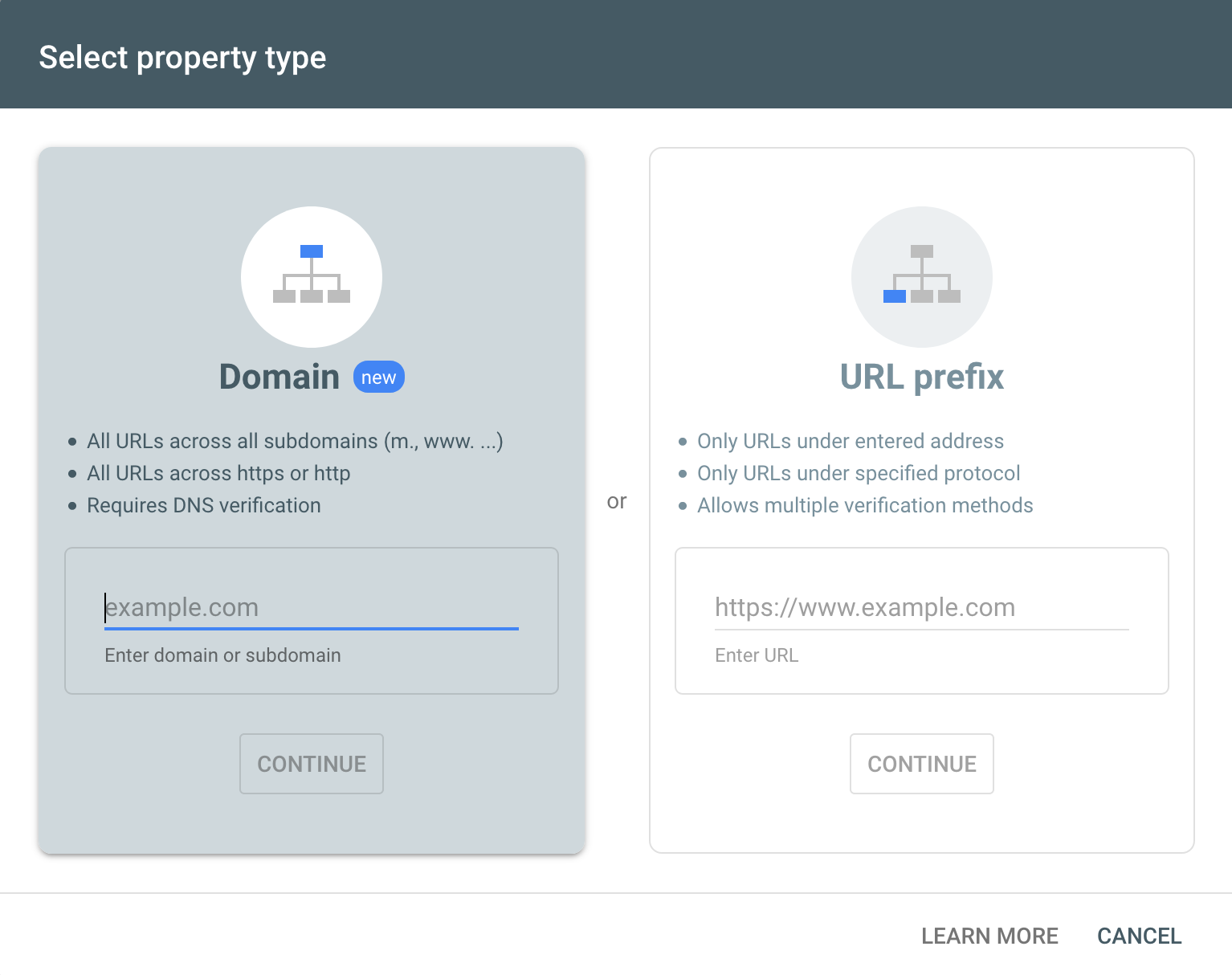
By doing so, this will allow you to track all the subdomains belonging to your domain as well as displaying all the results at once for HTTP & HTTPS.
Google Trends
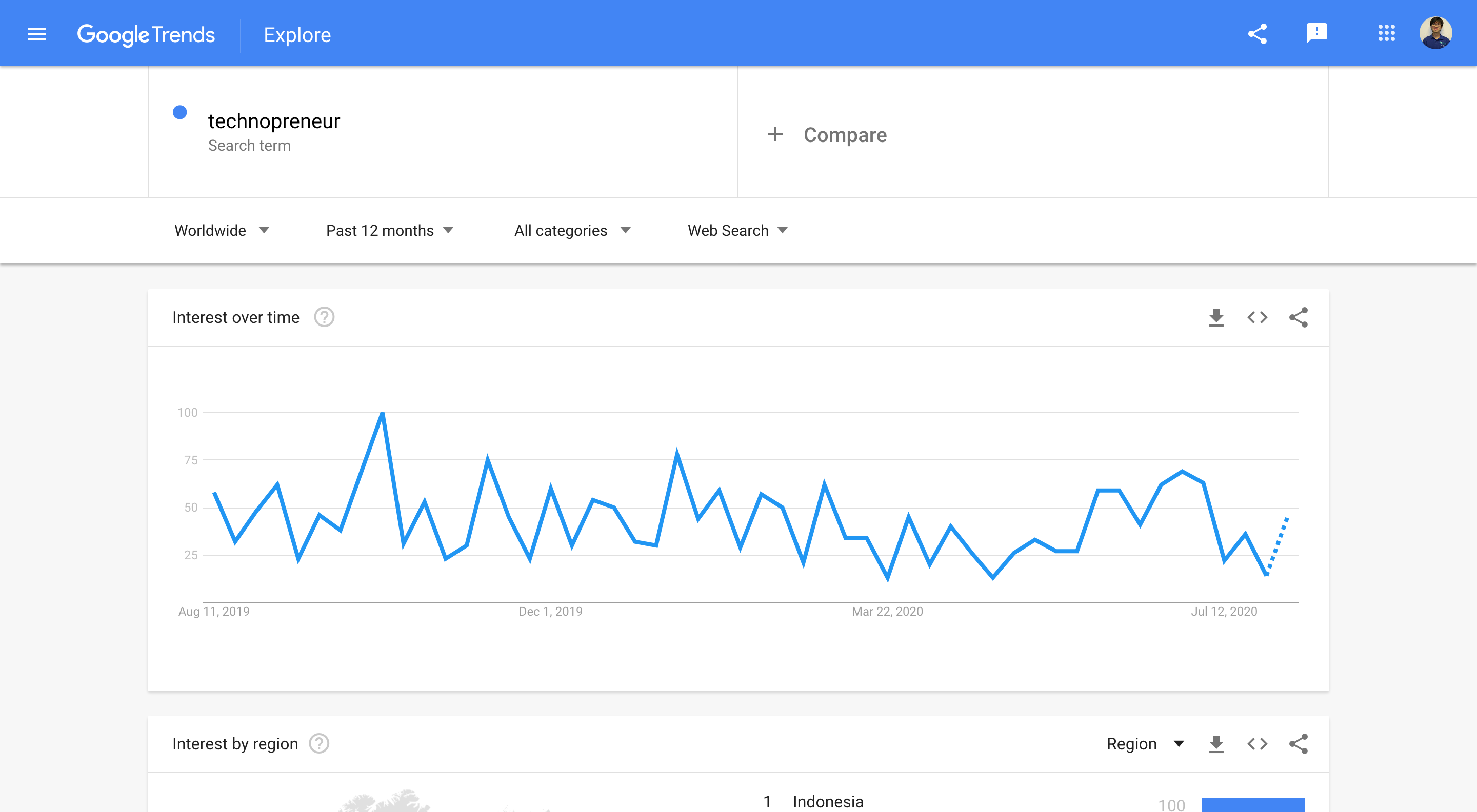
Since we are talking about different tools for SEO, let’s also mention Google Trends. This is actually more a tool for marketers (and not really for developers) but it’s a great tool for checking relevant and trending keywords.